The compliance officer's agenda
The compliance officer's whole cycle, in one view.
Every morning, what is due: 24-hour cases, transactions to report, pending screenings, the EBR review and the 17th.
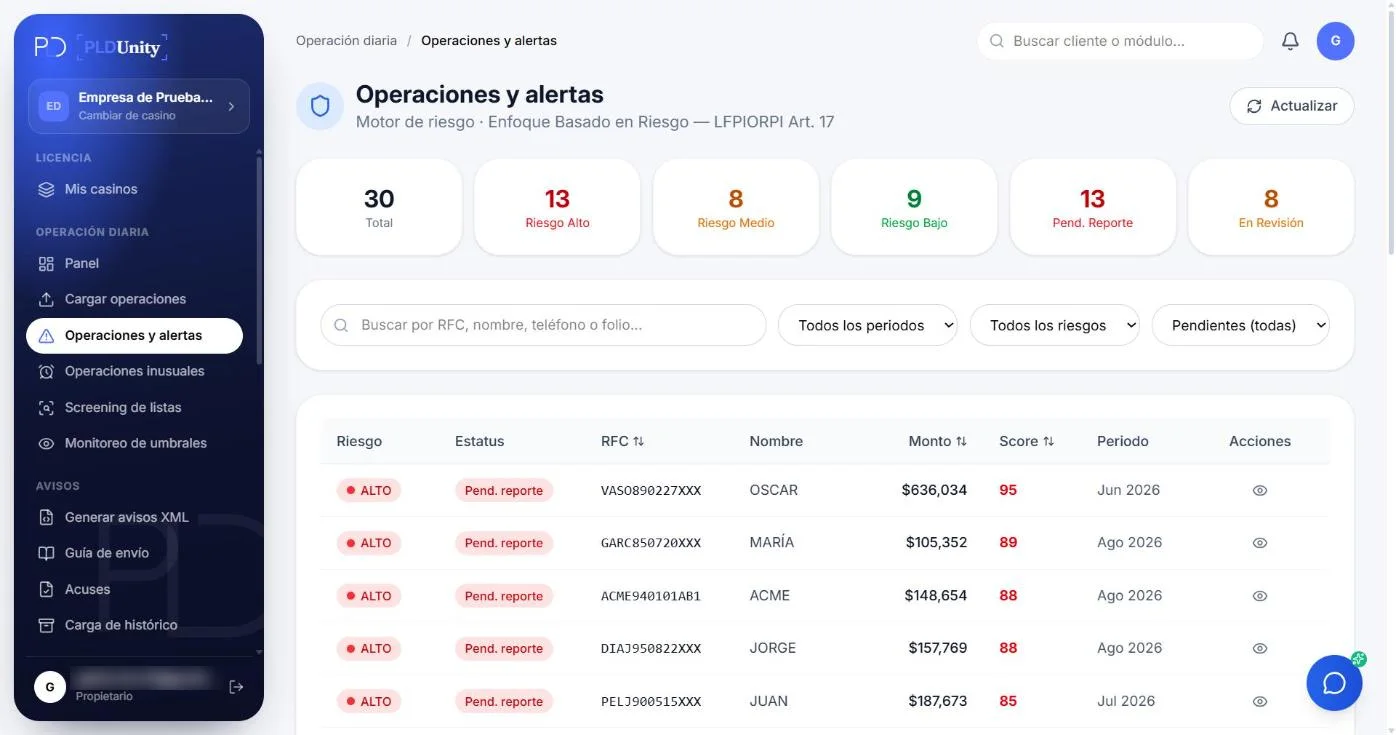
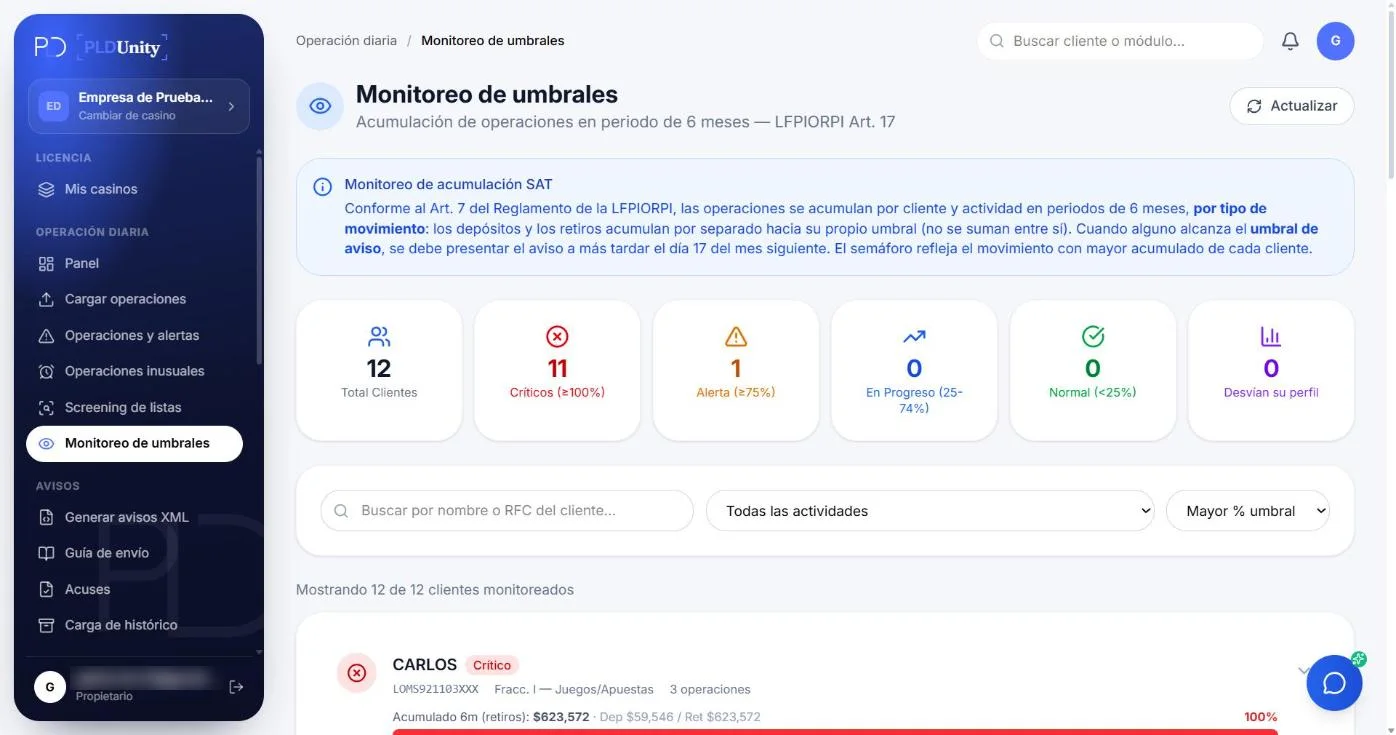
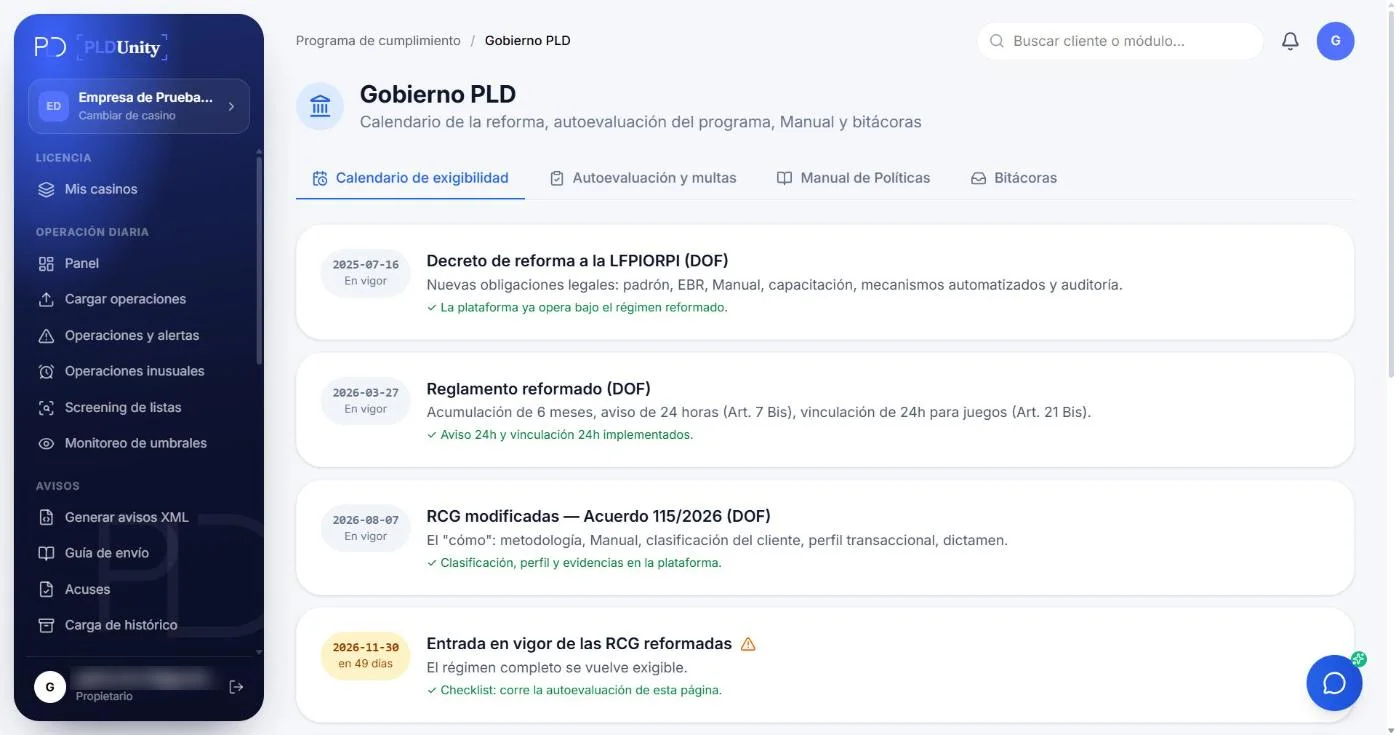
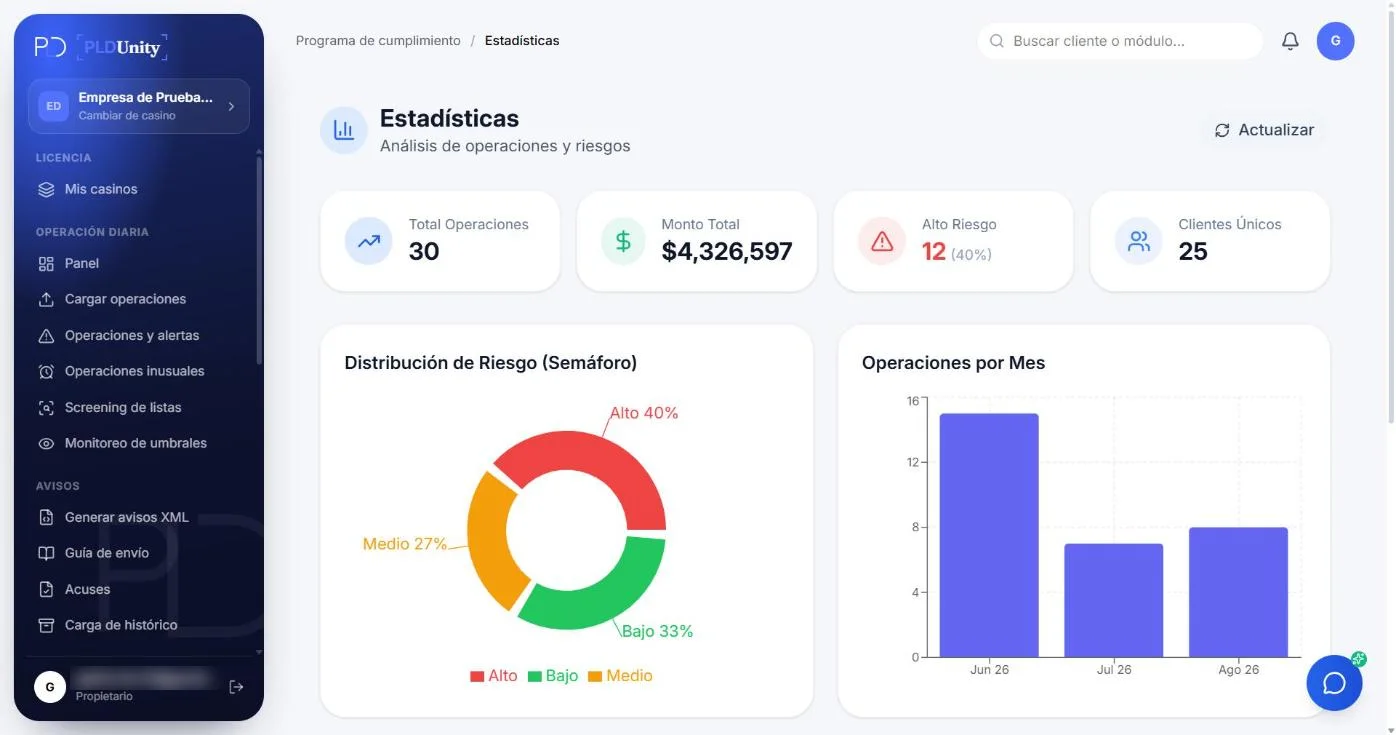
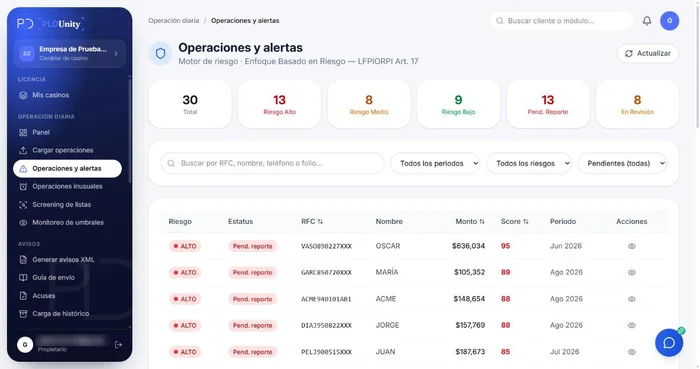
30 monitored transactions · Live EBR risk score (95/100) and reporting status.
Reports · 1 of 4
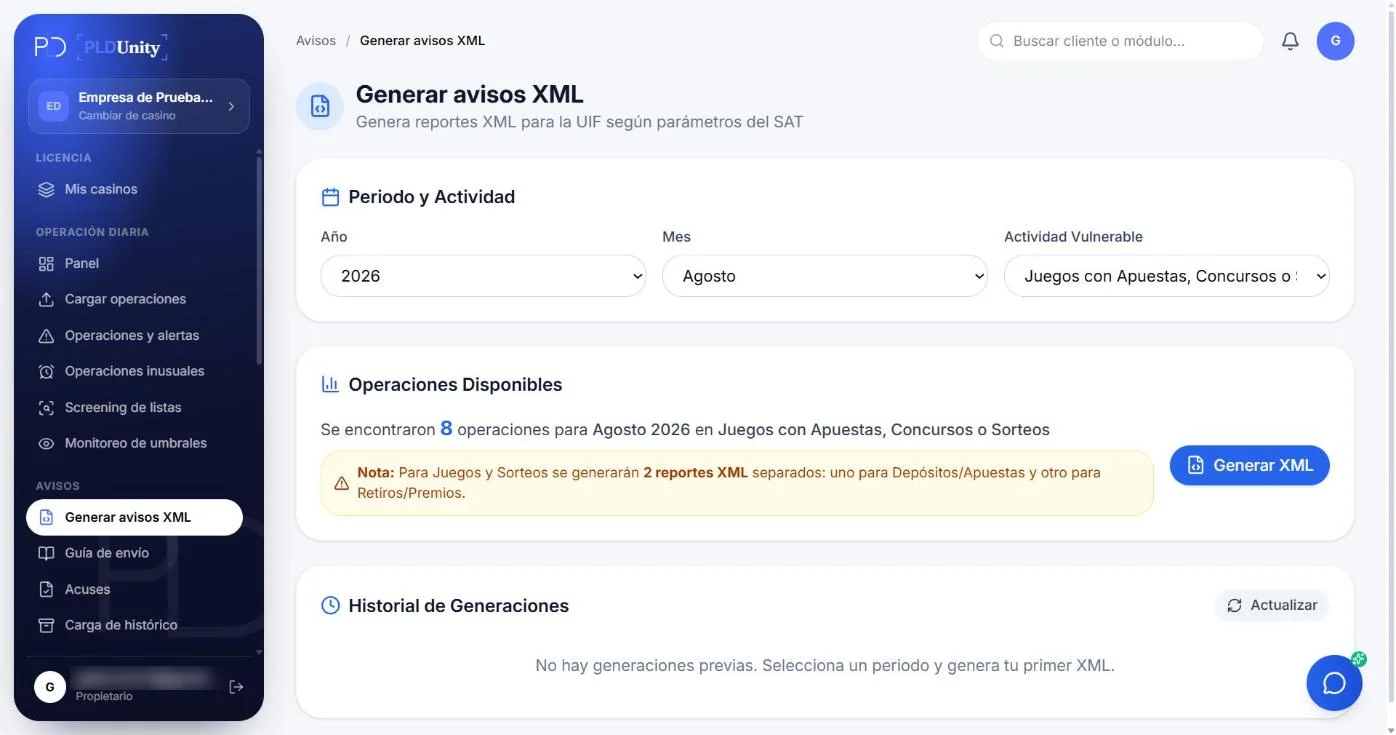
This month's report, validated before it goes out.
The XML is built for your activity with the SAT catalogs, validated against the official schema and downloaded ready for the portal; the acknowledgment stays linked to the report.
- 19 official XSD schemas
- One-click nil report
- Acknowledgment with SHA-256 hash
Screening · 2 of 4
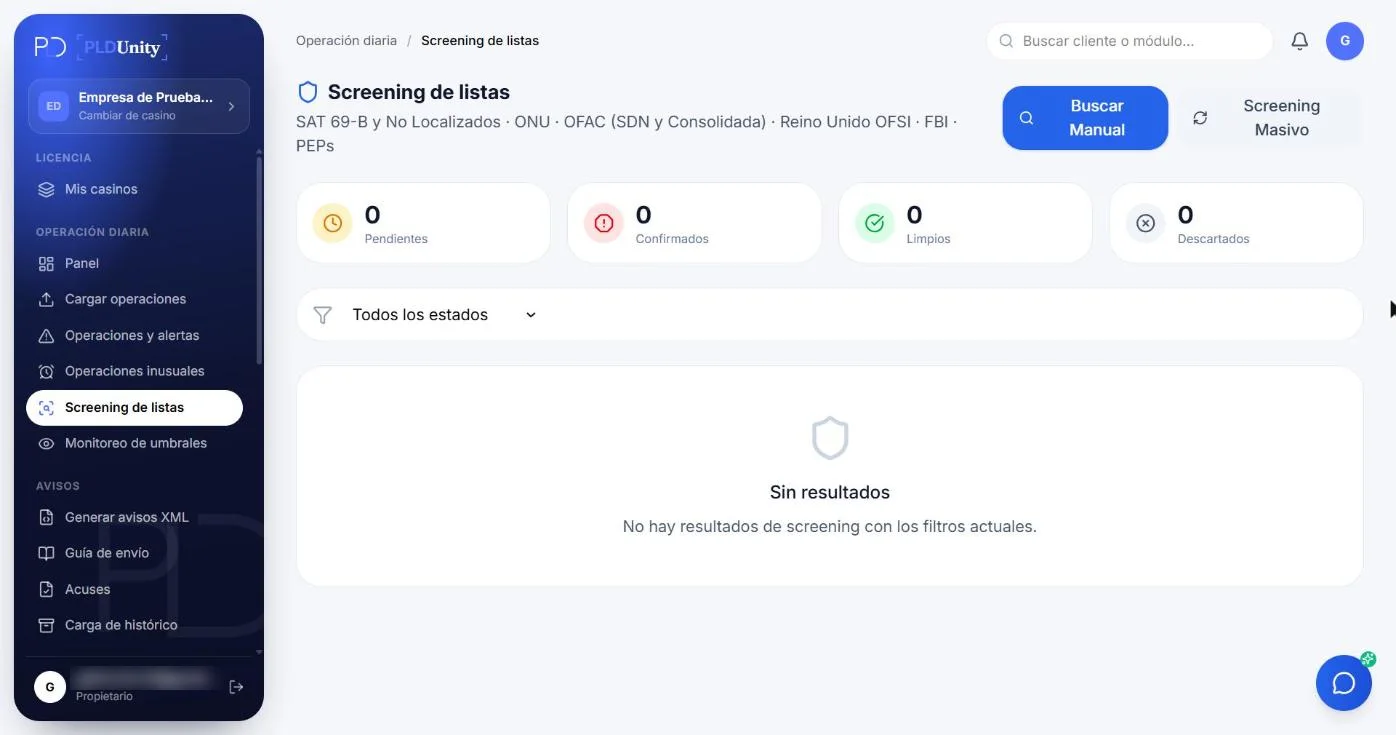
Every client, screened across 7 official sources.
Screen your client base per client, in batches, or manually against UN, OFAC, SAT 69-B, Unlocated, OFSI, FBI, and PEP; a critical match opens a 24-hour case.
- 7 official watchlist sources
- Lists updated every week
- Every match resolved with documented evidence
Risk · 3 of 4
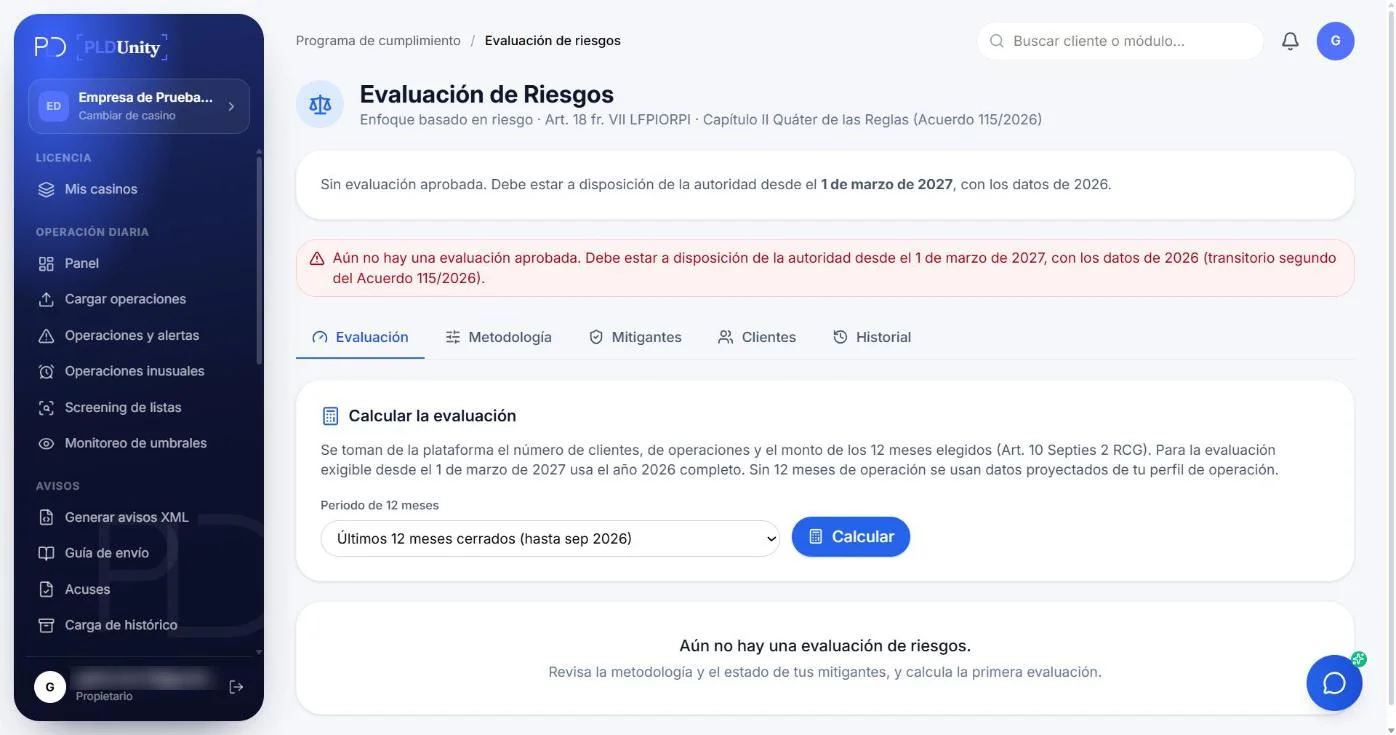
The risk grade, recalculated every month.
A four-factor methodology, capped mitigants and a per-client grade recalculated on the 2nd of every month from transactions, screenings and profile.
- Versioned matrix and methodology
- Annual review signed by the officer
- 10-year history per client
Verification · 4 of 4
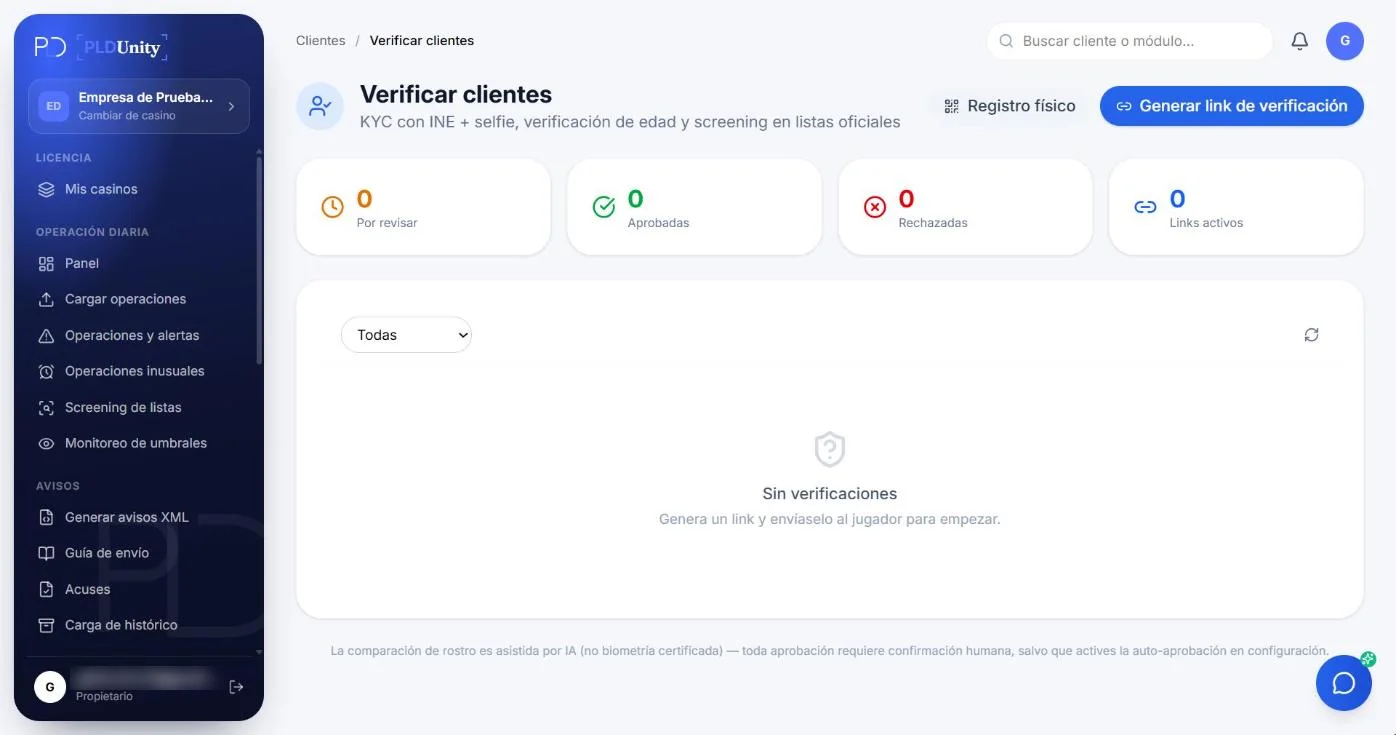
The complete client file, without asking twice.
Send a link, the client uploads an ID and a selfie, and the platform reads the documents with AI, matches the face and builds the file for your activity.
- IDs, passports and tax certificates read with AI
- Face match confirmed by a person
- Screening and risk from onboarding
How every month works
- ETAPA 01
Upload
Official template, AI-assisted upload or API.
- ETAPA 02
Watch
Every transaction goes through thresholds and aggregation.
- ETAPA 03
Screen
Lists updated every week; a critical match opens a 24-hour case.
- ETAPA 04
Report
Validated XML, linked acknowledgment and the 17th deadline watched.
- ETAPA 05
Retain
SHA-256 fingerprint, audit log and 10-year export.
Modules
And everything else the law requires
Open each module to see what it does and how it is used.
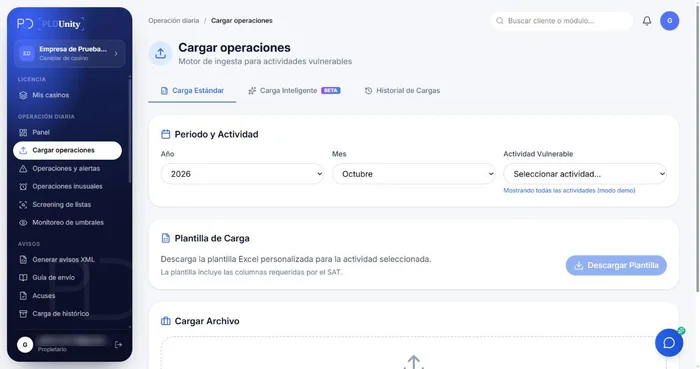 Platform Module
Transaction upload
Upload the official template, let AI recognize your own file or connect your system by API. Every transaction is validated against the SAT catalogs and accumulated per client.
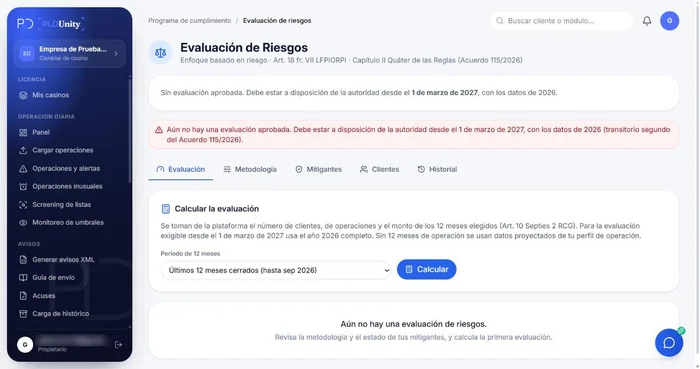 Platform Module
EBR risk engine
Scores each client by product, channel, geography and behavior, and documents the methodology for the regulator.
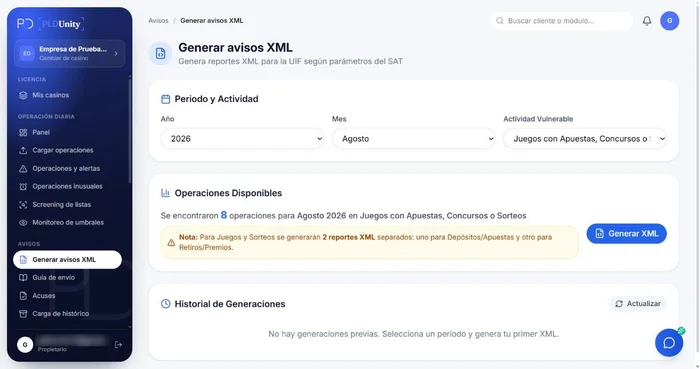 Platform Module
XML reports to the SAT
Generates the XML file with the period's reportable transactions, ready to file on the SAT portal, and keeps the acknowledgment with the client file.
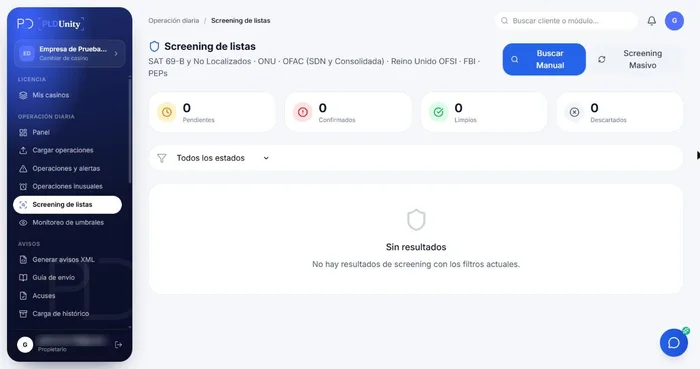 Platform Module
List screening
Checks every client against blocked-persons and politically exposed persons lists, and alerts you when there is a match.
 Platform Module
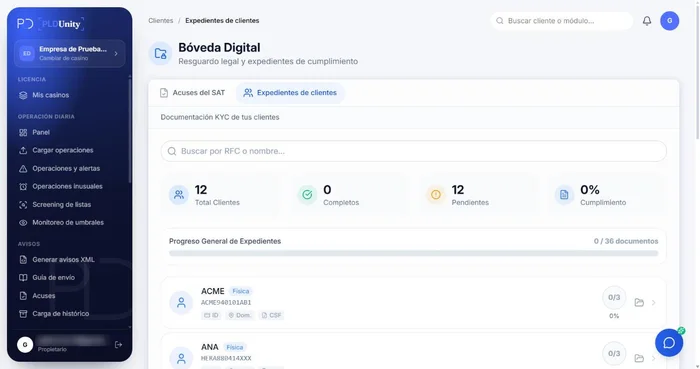
Digital KYC vault
Centralizes your clients' identification files with their documents, versions and dates, ready for any audit.
 Platform Module
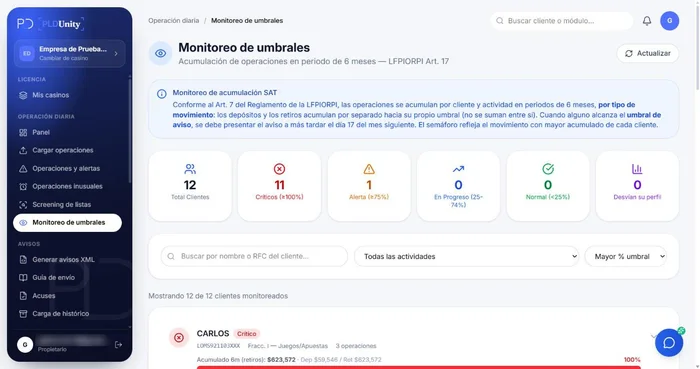
Threshold monitoring
Compares each client's accumulated transactions against the identification and reporting thresholds for your activity, in the year's UMA, and warns you before the 17th.
 Platform Module
Cashier registration
For casinos and businesses with in-person service: the cashier identifies the client, screens them against the lists and records the transaction while they are at the counter.
 Platform Module
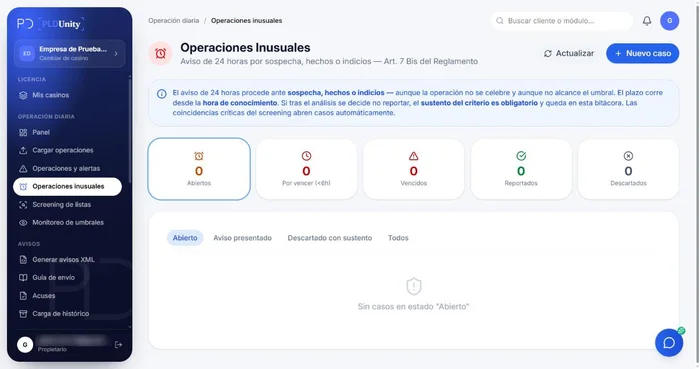
Unusual transactions
Flags transactions that need review, opens a case with the 24-hour deadline and documents the officer's analysis until it is closed.
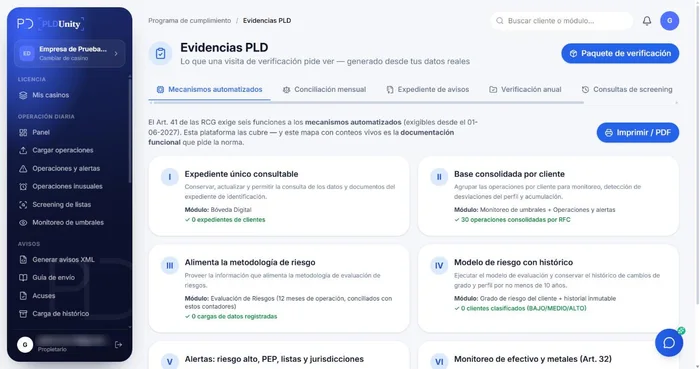 Platform Module
Evidence and audit
An audit log of every action, acknowledgments linked to their report, SHA-256 fingerprints on XML files and exports, and an audit package ready for the inspection.
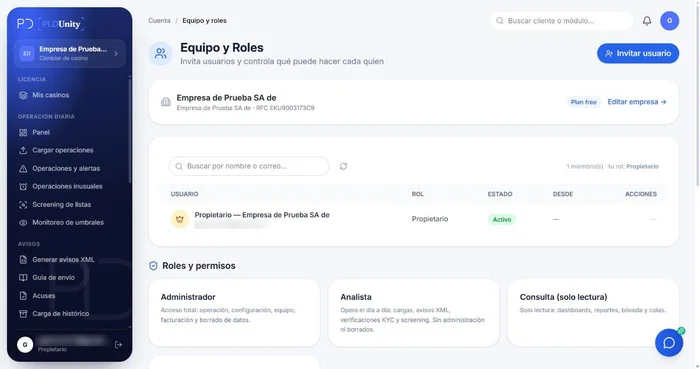 Platform Module
Team and role permissions
Owner, administrator, analyst, read-only and external auditor with an expiry date: role-based permissions, two-factor authentication and a log of every change.
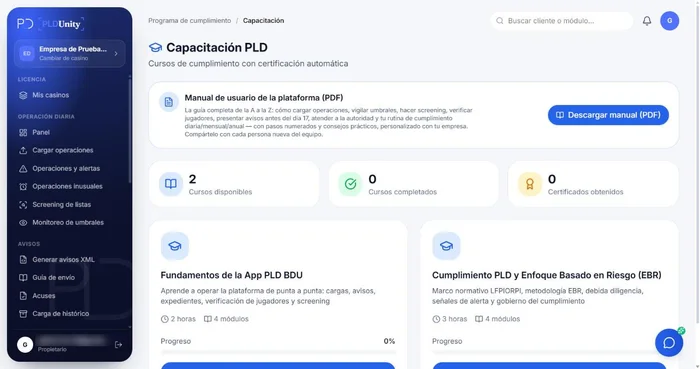 Platform Module
Training
Your team takes the courses inside the platform, gets a certificate, and you keep the record of who completed them and when.
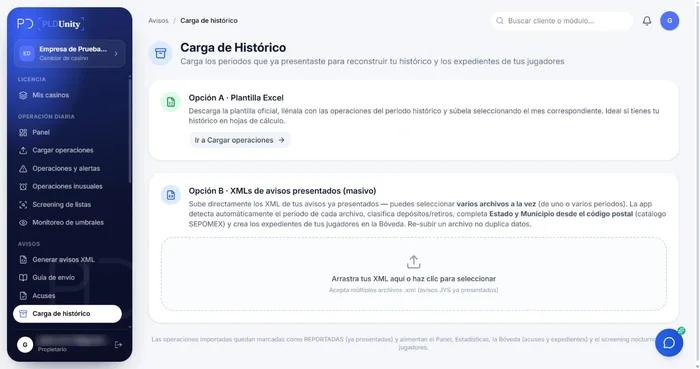 Platform Module
History import
Import the XML reports you already filed so each client's accumulation and history start complete.
FREQUENTLY ASKED QUESTIONS
Frequently asked questions about running the platform
How does it connect to my current ERP, CRM, or billing system?
You have four flexible ingestion options: downloading the official activity-specific Excel template, using AI-assisted upload to parse native CSV/XLSX exports from your ERP (with a confirmation preview before import), capturing operations at the counter via Cashier Registration, or integrating in real time through our REST API and webhooks.
Can I import my previous SAT XML notices and historical files?
Yes. The History Import module parses the XML notices you filed with the SAT in prior months or years, automatically rebuilds your client directory, links historical transactions, and attaches SAT acknowledgment PDFs so your 10-year archive is complete from day one.
How does the platform track the 6-month rolling accumulation rule?
Whenever a transaction above the identification threshold is recorded, the monitoring engine sums all operations for that client across a rolling 6-month window under Article 17 of the LFPIORPI and Article 19 of the Regulations. It warns your team at 80% of the notice threshold and queues the client for the monthly XML filing once the UMA limit ($117.31 MXN in 2026) is reached.
Where is data stored and what security controls are in place?
All data is hosted on Google Cloud with encryption in transit (TLS 1.3) and at rest (AES-256), strict tenant isolation, SHA-256 tamper-evident file hashing in the KYC vault, and an immutable audit trail logging user, timestamp, and IP for every action.
How many users can I add and what role permissions exist?
Pro and Enterprise plans support your entire compliance and operations team with role-based permissions: Compliance Officer (EBR settings, alert adjudication, XML generation), AML Analyst (file and transaction review), Cashier/Branch (front-desk capture without access to the full database), and External Auditor (temporary read-only access to the evidence package).
How does it cover all 16 obligations under Article 18 of the LFPIORPI?
Our 12 modules map directly to Article 18: KYC verification and 25% Beneficial Owner tracking, UMA threshold and cash limit monitoring (Art. 32), screening across 7 official watchlists, Risk-Based Assessment (EBR), unusual transaction adjudication and 24-hour notices, XML and zero-activity reporting, annual staff training with certificates, compliance manual generation, and audit evidence packaging.
Does the platform generate our company's AML Compliance Manual?
Yes. Based on your entity profile, vulnerable activity, EBR methodology, and internal controls, the platform generates and versions your AML Policies and Procedures Manual aligned with the LFPIORPI reform and Agreement 115/2026, ready for board approval and regulatory inspection.

Try it with your own transactions.
Book 30 minutes with the BDUnity team · info@pldunity.com